The first thing you do after acquiring your new computer nowadays is choosing the right web browser for yourself. The problem is when you are not sure which Internet browser is the best for you. The questions you need to ask yourself are:
“Is the browser secure”
“Is the browser fast”
“Is the browser feature packed”
“Is the browser performance satisfactory”
These questions may be difficult to answer if you are not well oriented with computers and the Internet. That’s why we’ve decided to write a blog post about various browsers to help you decide which one is the best one for you. Keep reading to check the list of best browsers available.
Google Chrome
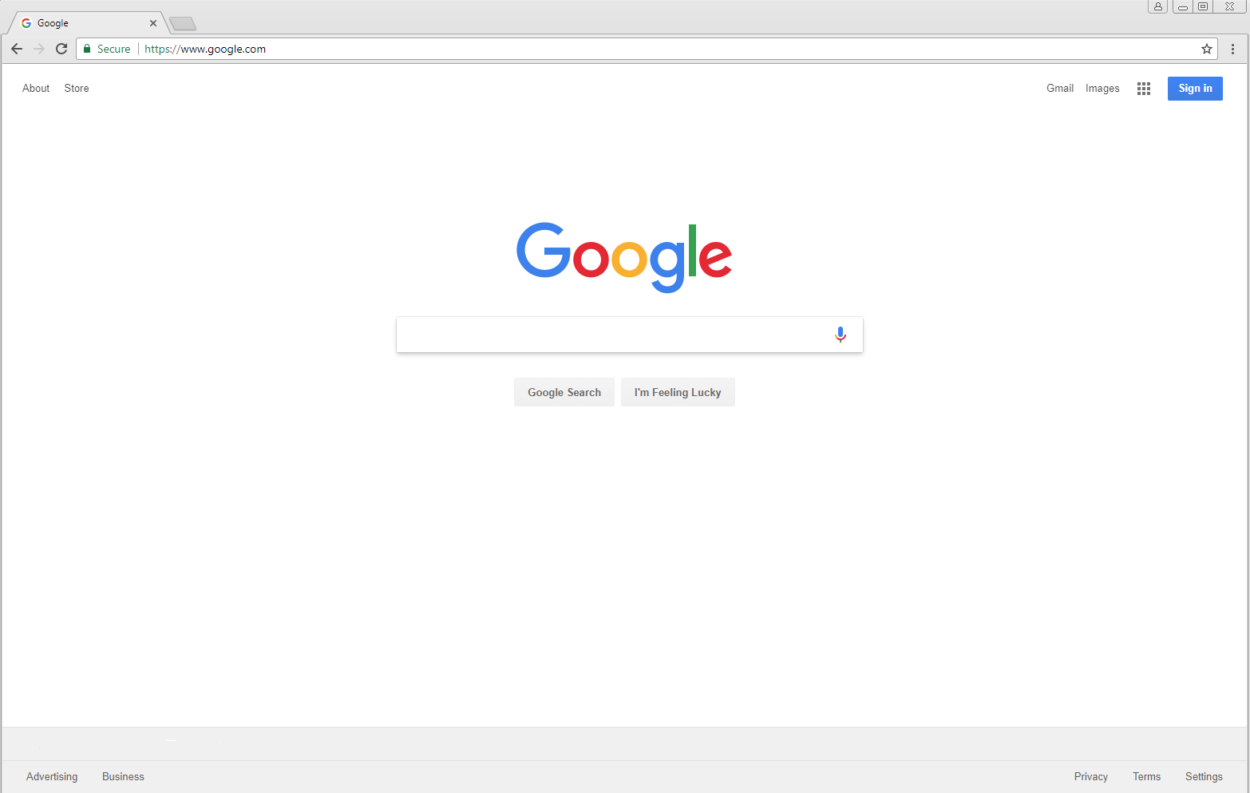
We’re beginning with the end-game. Chrome is possibly the best browser available, in a sense. This efficient browser has its user base increasing considerably for years now, despite that fact that other browsers are also noting an increased number in installations. With Chrome comes stability, space and customization.
Chrome allows various custom-made extensions that can expand your experience even more with this browser. Apart from this, it is possible to control the browser with parental restrictions. It is also advisable to visit settings page and read through it thoroughly to realize how many customizable options there are
Two biggest issues we have with this browser are limited privacy (since a lot of information on our browser is saved for “quality purposes”) as well as the amount of resources it uses. Among all browsers, Chrome is the one that takes up the most of your RAM memory. So you might want to reconsider downloading Google Chrome on your PC if your machine is pretty slow.
Opera
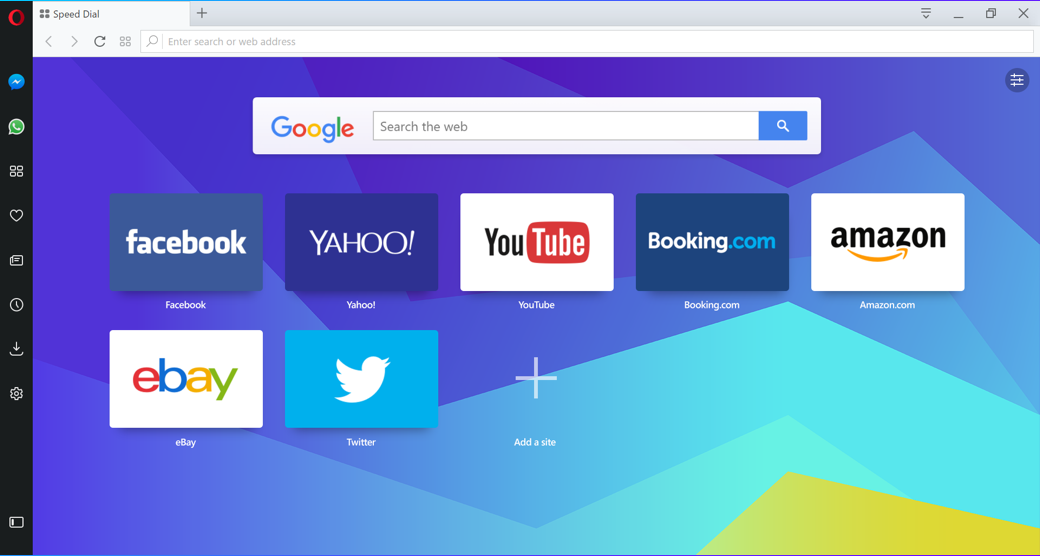
Opera was at its peak probably around 10-15 years ago, when everyone was looking for alternatives to popular Mozilla Firefox. Currently Opera is in pretty bad position since only about 1% of Internet use takes place through Opera browser. However, by no means it indicates that Opera is somewhat bad browser. On the contrary, its quality far exceeds expectation of most people.
It is easy to navigate through, without unnecessary things placed all around. It launches very fast (even faster than chrome). Additionally, with Turbo feature that compresses web traffic. It routes it through Opera servers, helping you save that Internet transfer which is lacking in your location.
What’s more Opera is equipped with a built-in adblock. While installing adblock takes second, this might still be considered a quality of life improvement after all. It is possible to turn it off though whenever you feel like it.
Microsoft Edge
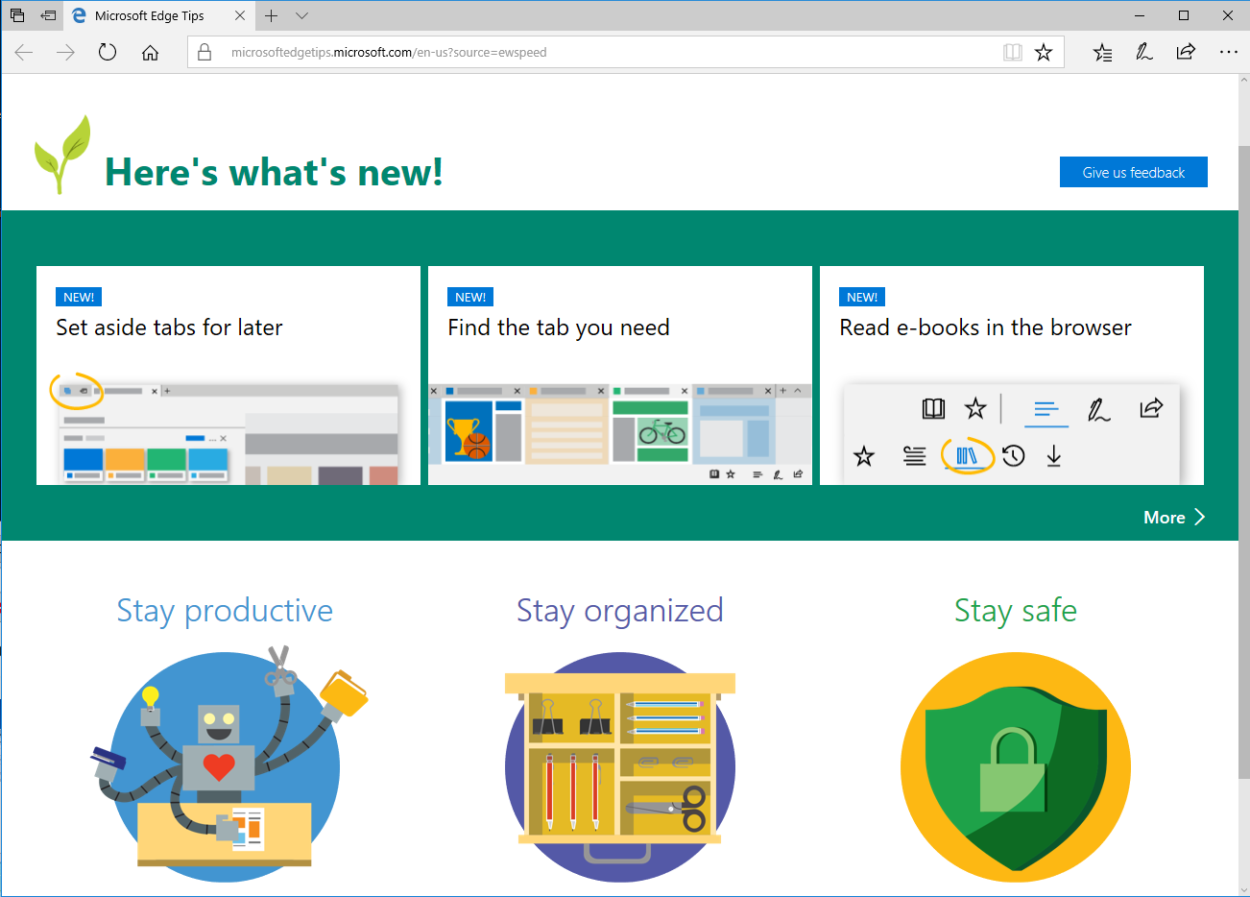
Introduced with Windows 10, Microsoft Edge is now your default choice when you get a PC with Windows 10 on it. This browser was created to be as easy and convenient to use as possible. Just like Windows 10 introduced many quality of life improvements, the same thing has been done to Microsoft Edge – things such as built-in easy to use PDF reader and e-book reader, or even reading mode that separates the important things on website.
Microsoft Edge is very quick and light browser with some basic tools for PC amateurs especially. However, while it has some nice things such as PDF support or ebook reader, it does lack many extensions available in Google Chrome. It’s security is potentially limited due to lack of offending code that made Edge so susceptible to Malwares.
All in all, if you know how to safely browse through the Internet, Microsoft Edge should an incredibly good choice for everyone who doesn’t require tons of features they don’t use anyway.
Firefox
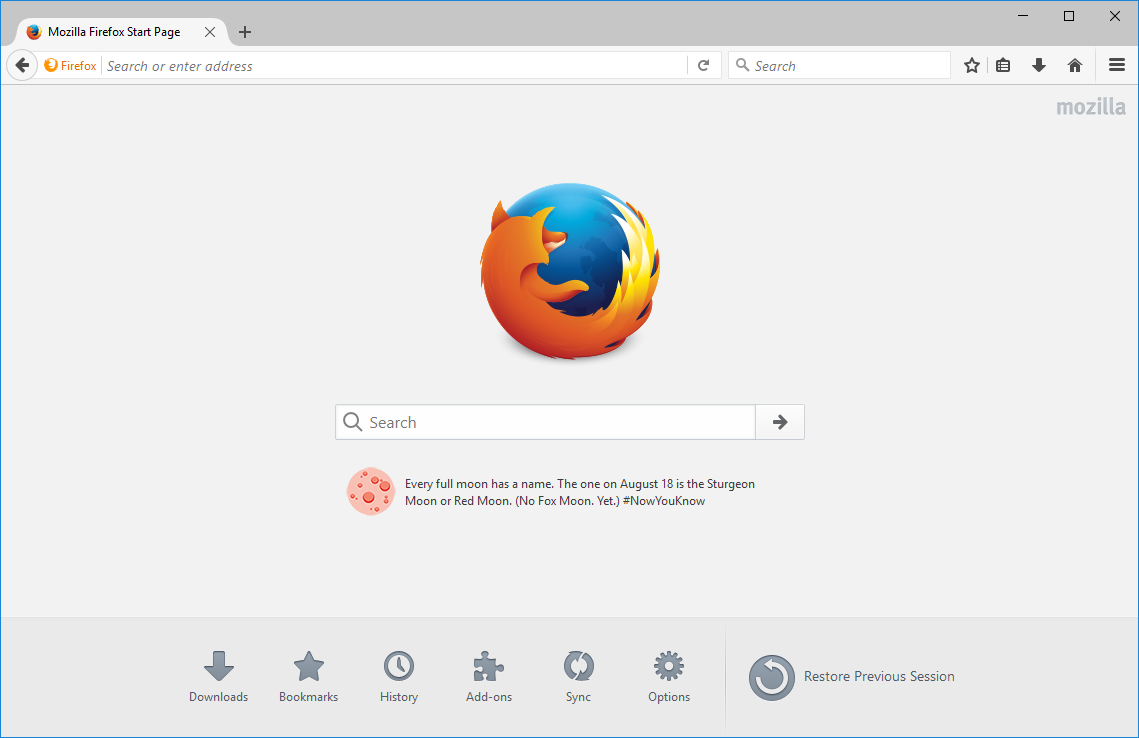
Firefox was probably one of the most used browser. Currently, it has been overthrown by Google Chrome by a lot!. However, Firefox is still a solid and stable choice for everyone.
The actual reason why Firefox went down in popularity is quite difficult to assume. Firefox does have a lot of features that Chrome has, such as extensions, with a lot of browser updates (on a six-week schedule).
Most users wouldn’t even notice the fact that Firefox is only slightly slower than Microsoft Edge for example. Normally you can use it without realizing that something takes 0,2 second longer to load. With no integrated Flash support, you might need to install additional software to watch certain videos on the Internet.
Probably one of the best things about Firefox is its security capabilities such as phishing or malware protection. It is also well integrated with antivirus softwares. XSS attacks are not possible in Firefox due to CSP (content security policy).
Vivaldi
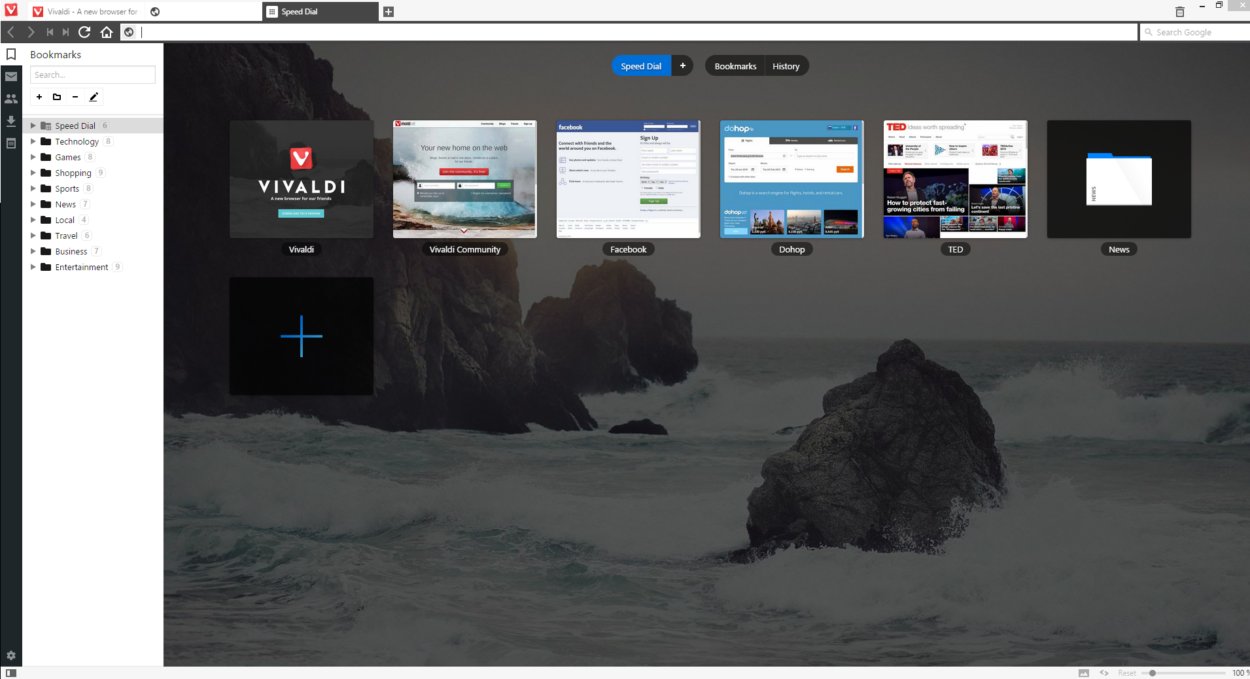
Vivaldi is a fully customizable for its user – that’s what makes it nice, however, probably not for an average browser user.
One of the more interesting features of it is its note taking system that allows you to set up every website that would serve as a side panels. While your main website you want to browse is still mostly visible, you also have a stacked smaller version of another websites. This is a huge improvement to website tabs solution.
However Vivaldi doesn’t support extensions so far, but it is very likely that this will change in near future since it is pretty new on the Internet. Despite that, extensions can be obtained from Chrome Web Store since Vivaldi supports those extensions instead.
Tor Browser

If you are looking for secure browsing, Tod Browser is definitely one of the best choices. It prevents sites from tracking cookies, while also keeping all your browsing incognito.
How does it work?
The traffic is rerouted several times over in places all around the world, which makes it especially difficult to track the exact location or IP address that accesses the site.
If you are a security freak, you could also use Duck duck go search engine, while using VPN service at the same time. Additionally, install Tor Browser on your pendrive and each use of the browser will leave no traces of it ever being used. Your browsing will be extremely well secured!
—-
That’s it. There are of course other browsers, however in our opinions those are the ones that should definitely find its place on our list. Are you using something else? Let us know!
Also remember that everything you do on your browser can be recorded with Mirillis Action! Screen Recorder
Author: Mirillis Team
3 Comments
Some really nice stuff on this website, I really enjoy it.
Good post. Interesting all the way through. The reputation of Internet Explorer has degraded due to the popularity of Google Chrome and other web browsers. But it has its own advantages and unique features. Internet Explorer 10 is really well modified.
No doubts that google chrome is the leader of the web browser. But UC just entered the race and I think it will make its place in this race within a short time span like they have done in the mobile browser.