
June 11, 2018
Category: TIPS & HOW TO'S, YouTube
Content creation always seemed like a fun and ambitious thing to do. The huge problem is that it has become increasingly more difficult to earn revenue from putting lots of hours into making videos on YouTube. Not only do you need to put lots of effort into boosting your popularity, due to requirements that YouTube imposes on new content creators, but also you have to be wary of what kind...
Read more

June 7, 2018
Category: Action!, TIPS & HOW TO'S
Are you aware that webcam is one of the most useful pieces of electronic equipment you can have in your home/apartment? Most likely you rarely ever use it, but it’s just because you don’t realize how many uses it actually has. Some of them are fairly obvious, but some you might say isn’t. What kind of uses I’m talking about? Well known live streaming, webinars, and the more inconspicuous ones...
Read more
June 5, 2018
Category: TIPS & HOW TO'S
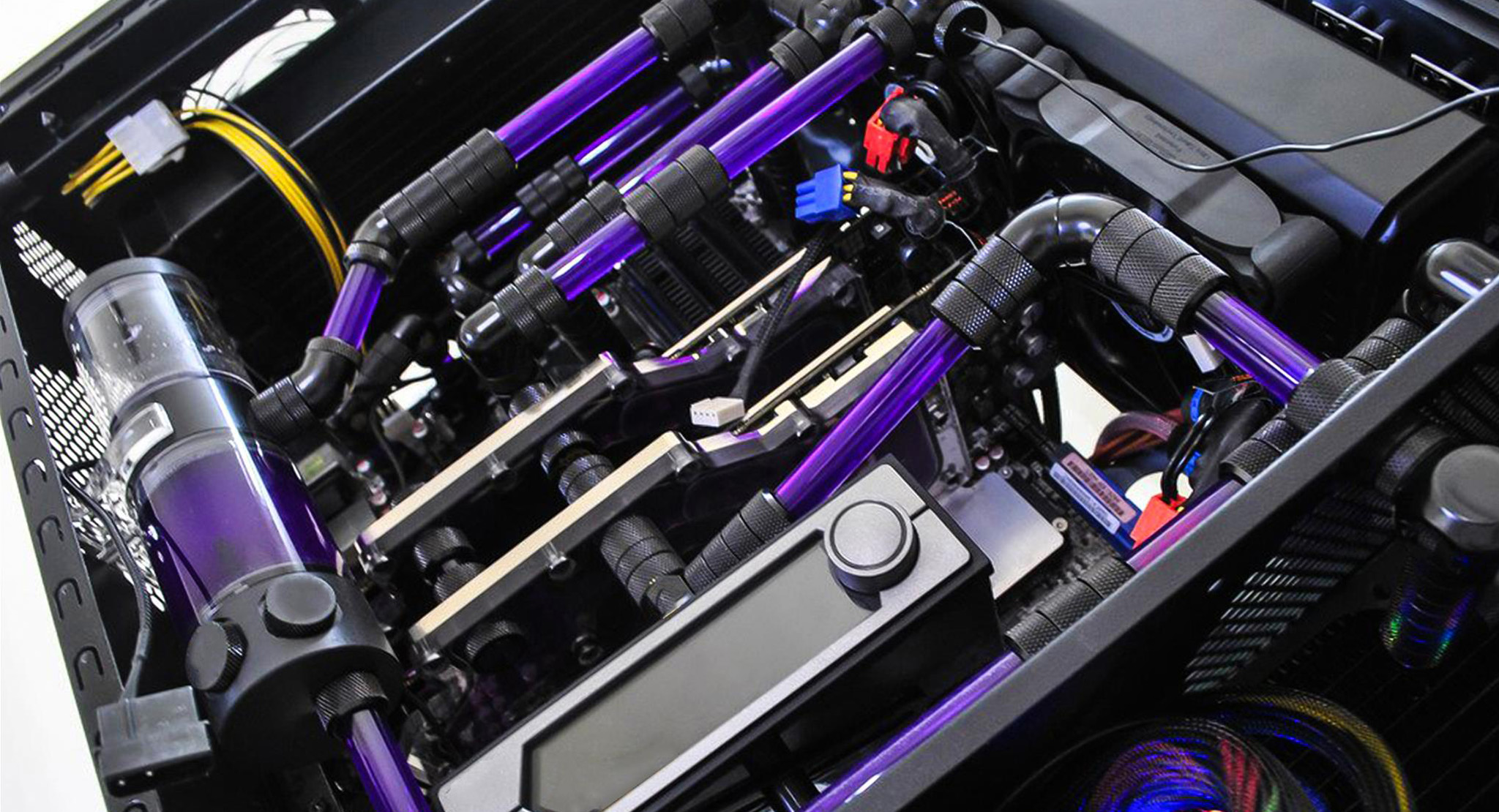
Years ago, problems like how to cool the CPU in your PC simply were nonexistent. The manufacturers added a pre-made solution to the set, which most cases landed in the housing. This state of affairs did not last too long, especially when PCs became popular and stopped being made in its dull white-yellowish color variant. Today, the choice of cooling CPUs is so big, that you can simply get confused....
Read more

May 28, 2018
Category: Software, TIPS & HOW TO'S
As someone who’s been using Windows 10 since it’s very beginnings, I do believe that it should have been present since the very release of Windows 8. In this article I’d like to present you with some arguments for this statement: As a disclaimer, this article is written from a perspective of a typical user. First of all, security. Windows 10 is (after a long struggle) finally a mature system...
Read more

From time to time you might end up bringing Windows to factory settings. Most of PC users have their list of the essential software that they install every time on a fresh Windows machine. Without those, everyday work seems impossible – they are an absolute necessity every time you log in. So if you don’t have such a list you might ask yourself: Where do I start working with the...
Read more

PowerPoint is a widely used presentation software known by everyone. Every day, millions of users create their presentations across every single field of society – business, education, lifestyle etc. The big problem with a presentation is that it tends to get trivial, and people start losing attention really quickly. Adding various animations, transitions and interesting images may partially mitigate this problem. Instead of trying to further improve the presentation, you...
Read more

April 20, 2018
Category: support, TIPS & HOW TO'S, YouTube
A video that you upload, is by default set to be public. Every time you upload, you need to set video privacy settings. However, among upload choices, you may choose to upload a video as an “unlisted”. If you’re wondering what exactly ‘unlisted’ video is, then you’ve come to the right place. Change video privacy If you’ve set video privacy to public, but changed your mind, here is what you have...
Read more

Things don’t go always as perfect as we’d like. Same goes for YouTube. It might happen that video you’ve uploaded (and published) just wasn’t appealing to your viewers, infringed someone’s copyrights (music in most cases) or you simply want to hide this video/don’t like it after all. Deleting a video from YouTube is very easy. You don’t know how to remove a video from YouTube? Just follow the steps below!...
Read more

Greenscreen (and in the past also bluescreen) is used in video and photography industry extremely often. For a couple of years now it is one of the “must have” elements of every LIVE streamer and YouTuber who uses a webcam for their videos. If you think that merging 2 pictures into one is problematic, with Greenscreen (and a software supporting Greenscreen tech) it becomes a cakewalk. How is Greenscreen used? The...
Read more

April 9, 2018
Category: TIPS & HOW TO'S, YouTube
If you are asking yourself “How do I upload a video to YouTube” then you’ve come to the right place. Uploading a video to YouTube is so easy, that in fact you can do this in less than 30 seconds, and since you already have an account set up, let’s get to the main point of this guide. Remember that before you can do anything, you need to first create...
Read more